I was still rocking a first-gen i7 with 8 GB of RAM when I first started taking Android development seriously. I’ve since moved on, but if you were using Android Studio in the late twenty-teens, you’ll certainly remember the memes. They still make me chuckle.
While that program no doubt sped up the end-of-life for my prized Dell Precision M6500 Covet (google it – I’m still in love), it did push me to finally move to Linux. Being the masochist that I am, I chose Arch. If you’re going to do something, you might as well do it with style – my style being to flail wildly towards the ground while debugging the latest update, without a parachute cord in sight.
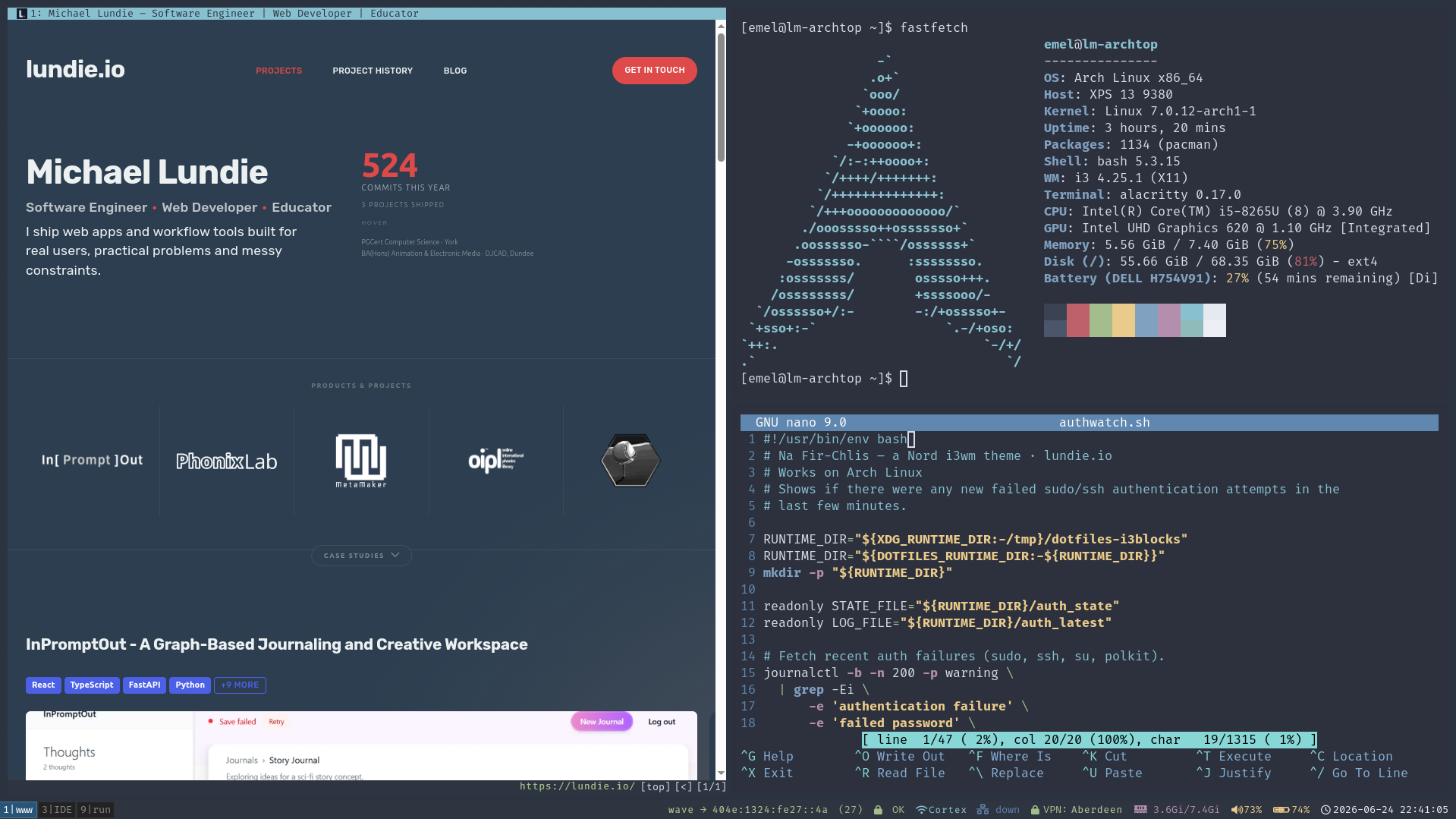
Nevertheless, I’d found my forever-OS, and over the years my machines’ setups evolved. After eight years, I finally present to you Na Fir-Chlis: an i3 setup on Arch (or your distro of choice), themed end-to-end in Nord and managed with GNU Stow.
The repo read-me is thorough – install, keybindings, every status block, the lot – so I won’t rehash it here. What follows are a few notes.
Mind Your Own Buffers
You’ll notice almost nothing here themes your editor – nano aside. That’s deliberate. If you spend your day in Vim or an IDE, you already have strong opinions and a config tuned to within an inch of its life, and I’m not about to barge in with a symlink.
However, if you’ve got the one true Vim Nord theme to rule them all, open a PR and we can wire it in as an optional package. Same goes for anything else – fork it, take a piece, send a fix. The door’s open.
Pomodori at Large
The bar ships with a pomodoro timer (supported by an included shell script) – it was something I lived by for many years. When the struggle gets real on a technical problem, I still use it: I’m like a dog with a bone, and without the timer I’d run the risk of ossification. No engineer wants that.
Jesting aside, it’s the cheapest productivity trick I know. Head down for twenty-five minutes followed by a short breather. Having this habit a keybind away makes it easier to maintain flow.
1
2
pomodoro.sh start        # default: 25 minutes
pomodoro.sh start 50     # or set your own
Blank Desktop Space – The Final Frontier
My own desktop usually sits bare – no wallpaper, no icons. Beginning with a metaphorical blank canvas – familiar and exciting – before a coding session suits my inner-artist.
On the other hand, my inner-designer refused to ship “formalised dotfiles” without the final touch.
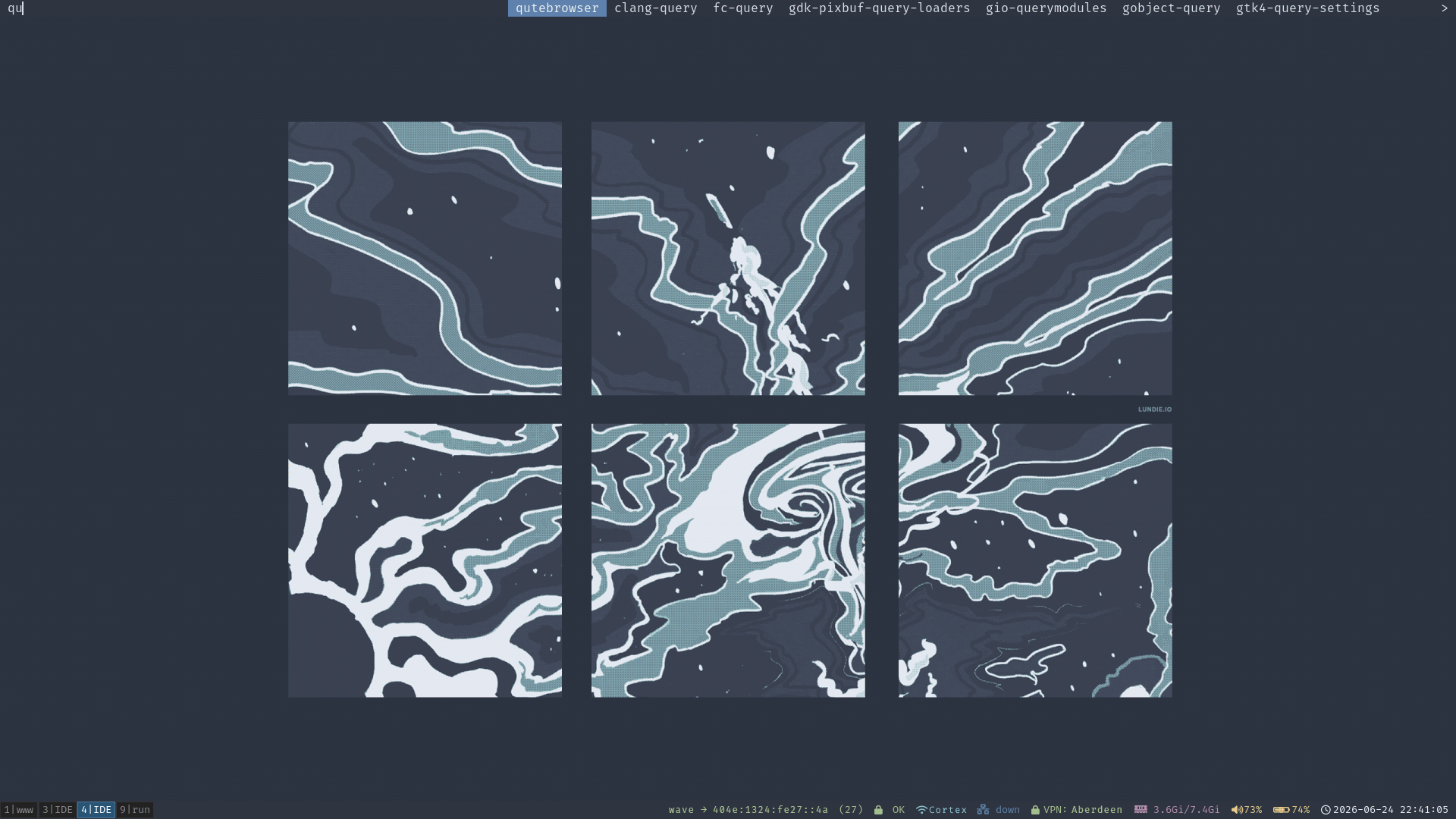
The included wallpaper is one of my paintings, Escape. Originally a greyscale notan piece, it was redesigned and recoloured into a Nord wallpaper and shipped in a few Polar Night shades. This way a fresh clone opens on something finished rather than my preferred “blank canvas”.
A quick note
The painting came from an experimental steganographic collection – the same body of work I built MetaMaker to manage (that’s a story for another day; the case study has it).
Of course, if none of this is your cup of tea, you can easily change it – there’s a whole collection of Nord wallpapers out there to swap in.
That’s the workshop: small, a little stubborn, and held together with symlinks.
If you’d rather see what comes out of a setup like this than how it’s wired, InPromptOut is what I’ve been building lately – a better measure of the work than my choice of window manager.